
Raster vs. Vector: Can You Enlarge a Seamless Pattern Without Losing Quality?
You found a seamless pattern you love. It looks perfect on a cosmetic bag, but now you’re thinking about using it on a tote bag. Or maybe even wallpaper.
Can you enlarge a seamless pattern without losing print quality?
Yes, if your raster file has enough pixels for the final print size or your artwork is made from vector paths. If you only need to cover a larger area, repeat the tile to keep the motifs the same size.
Let’s look at what actually happens when you resize digital artwork and how to avoid disappointing printing results.
Raster vs. vector: a quick refresher
Digital artwork generally comes in two types.
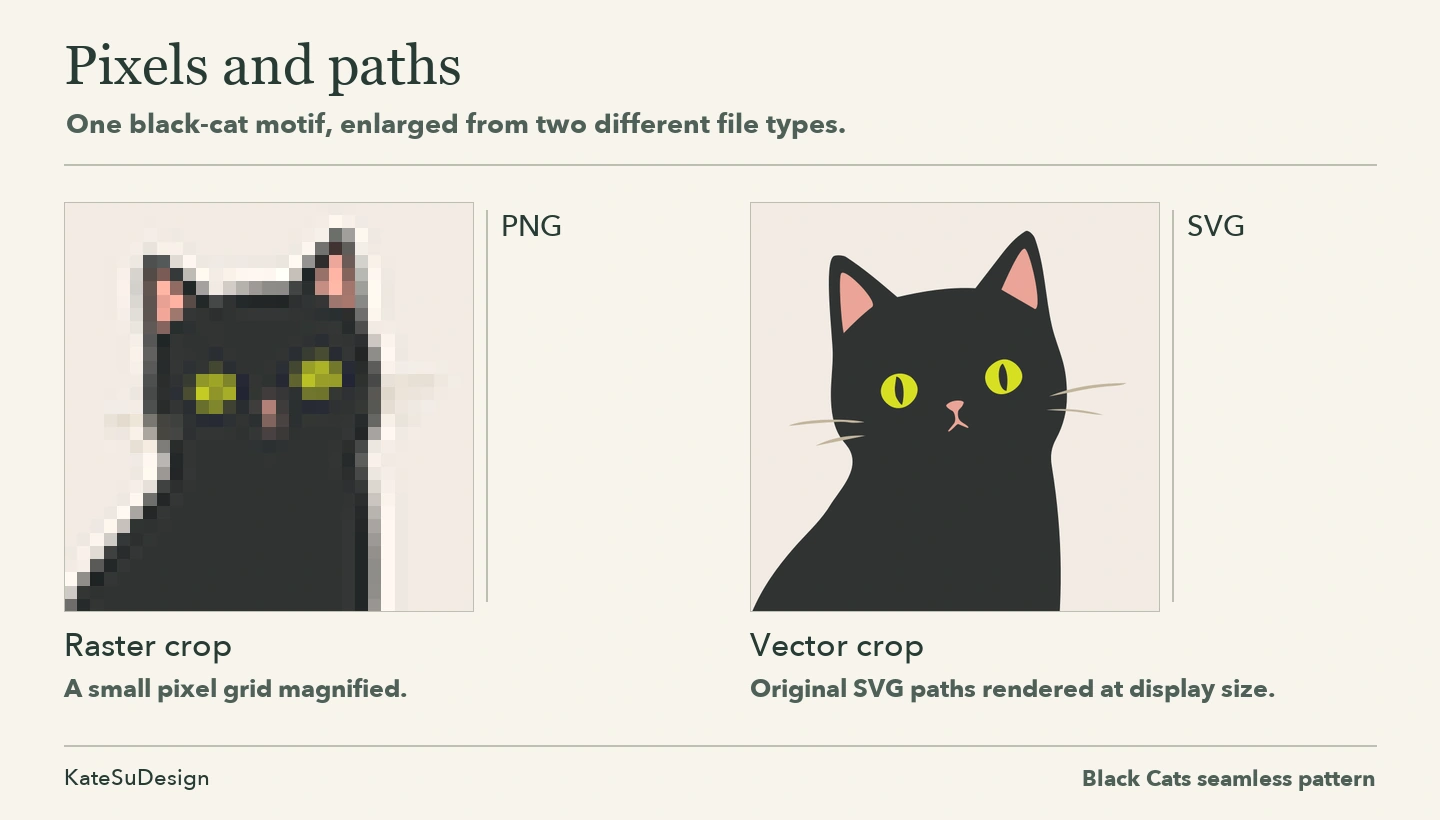
Raster artwork is made of pixels — tiny colored squares that form an image.
Remember those old video games where characters were made of huge, obvious squares? That’s pixelation in all its glory.
Modern raster artwork can be incredibly detailed, of course. Photographs, watercolor paintings, and many hand-drawn seamless patterns are raster images. JPEG, PNG, and TIFF are common raster formats.
Vector artwork is built from mathematical paths and shapes instead of a fixed grid of pixels.
You could enlarge a vector illustration to the size of the Empire State Building, and its lines would still be mathematically sharp. Of course, actually printing something that enormous would introduce a few practical challenges!
AI, SVG, and EPS are common vector file formats, although these files can contain raster images too.
Raster images have a fixed number of pixels. Vector shapes can be scaled without losing their geometric precision.
What happens when you enlarge a raster pattern?
Every raster image has a fixed number of pixels.
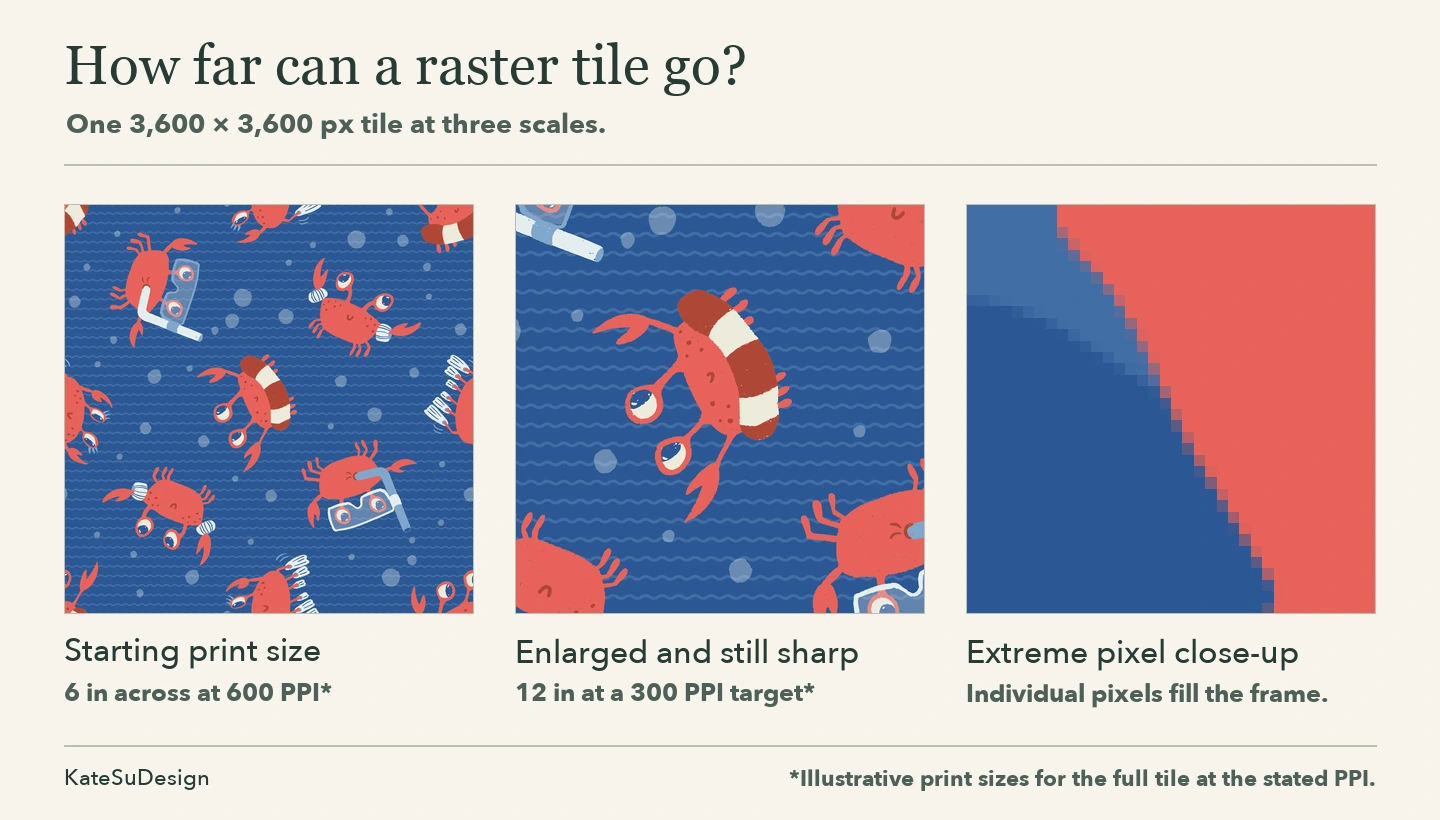
Imagine you purchase a seamless pattern that’s 3600 × 3600 pixels.
To calculate effective print resolution, divide the tile width in pixels by the desired print width in inches. At 300 pixels per inch (PPI), a 3,600-pixel-wide square tile measures 12 × 12 inches. Enlarge it to 24 × 24 inches, and its effective resolution drops to 150 PPI.
That might still print beautifully, depending on the material and printing process.
But keep enlarging it, and eventually you’ll start seeing those familiar squares from old video games.
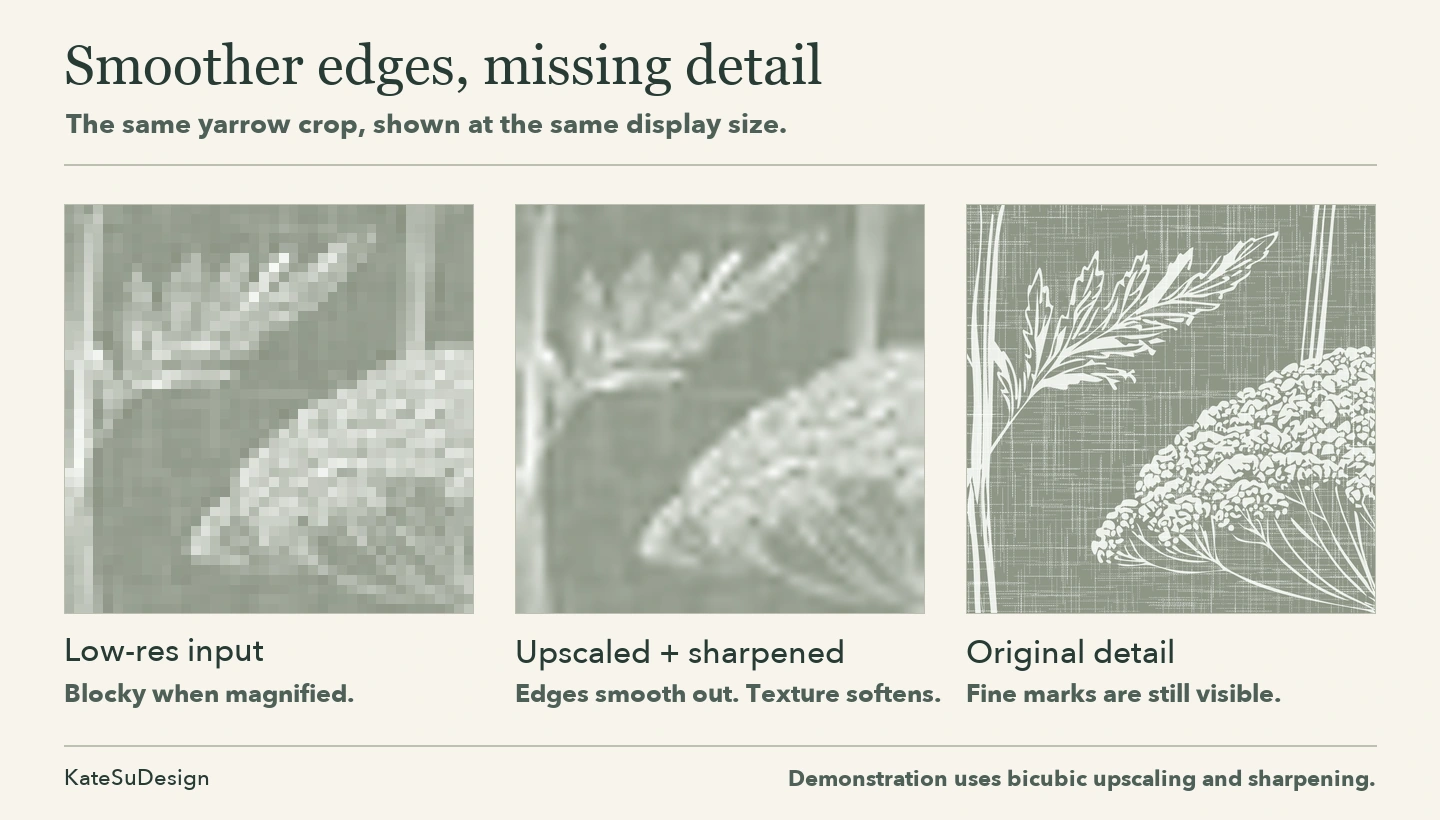
Making an image bigger doesn’t create more original detail.
Before enlarging, try repeating the pattern
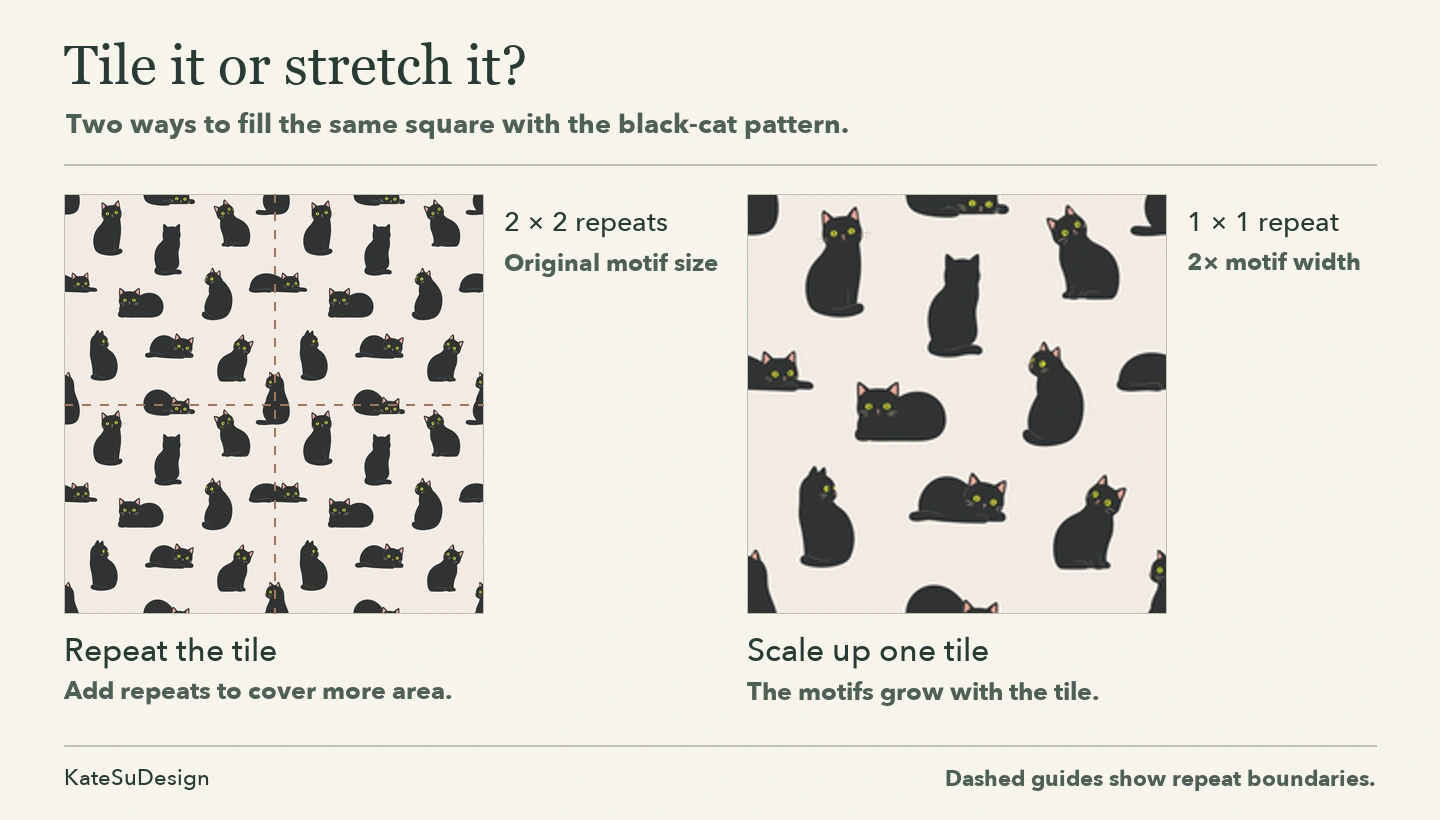
Here’s a little advantage of seamless patterns: they’re designed to repeat.
If you need to cover a 48-inch-wide piece of fabric, you can repeat a 12-inch pattern four times instead of stretching it to 48 inches.
Repeating keeps the motifs their original size and resolution. Enlarging makes the motifs bigger.
So ask yourself: Do I need a larger printed area or larger motifs?
Can image enhancement software help?
Yes! Upscaling software can add pixels to make an enlarged raster image look smoother. AI tools can even generate plausible new details.
But they can’t reliably recover information that wasn’t in the original. Sometimes they invent textures or change delicate lines.
And for seamless patterns, there’s an extra challenge: enhancement can accidentally introduce visible seams.
So if you upscale a pattern, always check how it repeats afterward.
What about converting raster artwork into vector?
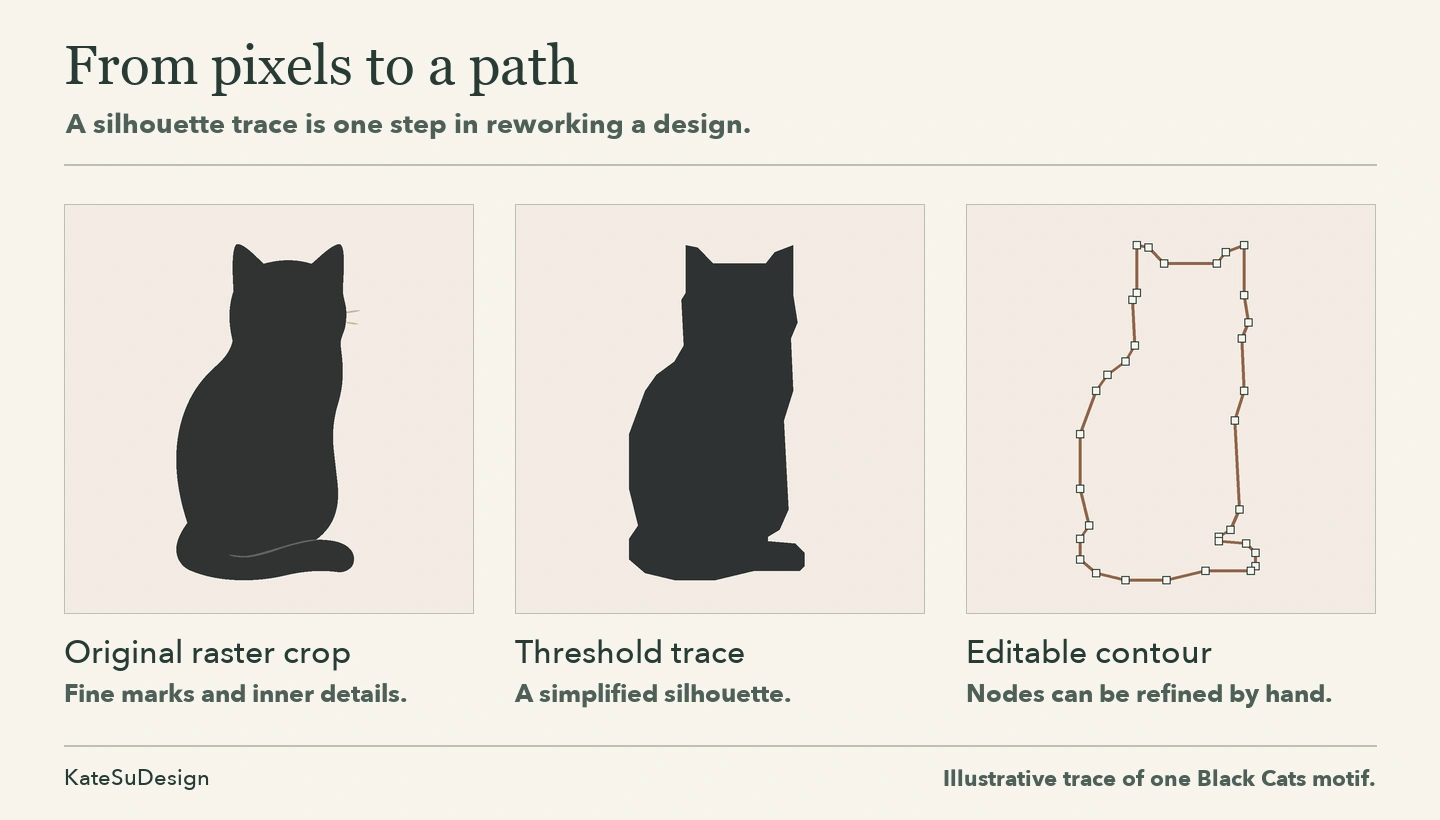
This process is called vectorization or image tracing.
Software attempts to recreate the shapes in a raster image using vector paths.
Simple geometric designs and clean illustrations often convert quite well. Detailed watercolor artwork? That’s more complicated.
A watercolor flower might contain thousands of subtle color variations. Tracing it could simplify its textures, change its appearance, or produce thousands of tiny vector shapes.
And here’s something I find interesting as a designer: vectorization can be an art process in itself.
Tracing, simplification, and manual editing can become an extension of the original art process. The result might become a new artistic version with its own character.
One last distinction: saving a JPEG as an SVG doesn’t automatically turn it into vector artwork. The file may still contain the original raster image.
Which is better for your project?
Comparing raster and vector is a little like comparing apples and oranges. Or books and movies.
Both can tell a wonderful story, but they do it differently.
The same is true for digital artwork.
Some technologies benefit from or require specific file structures.
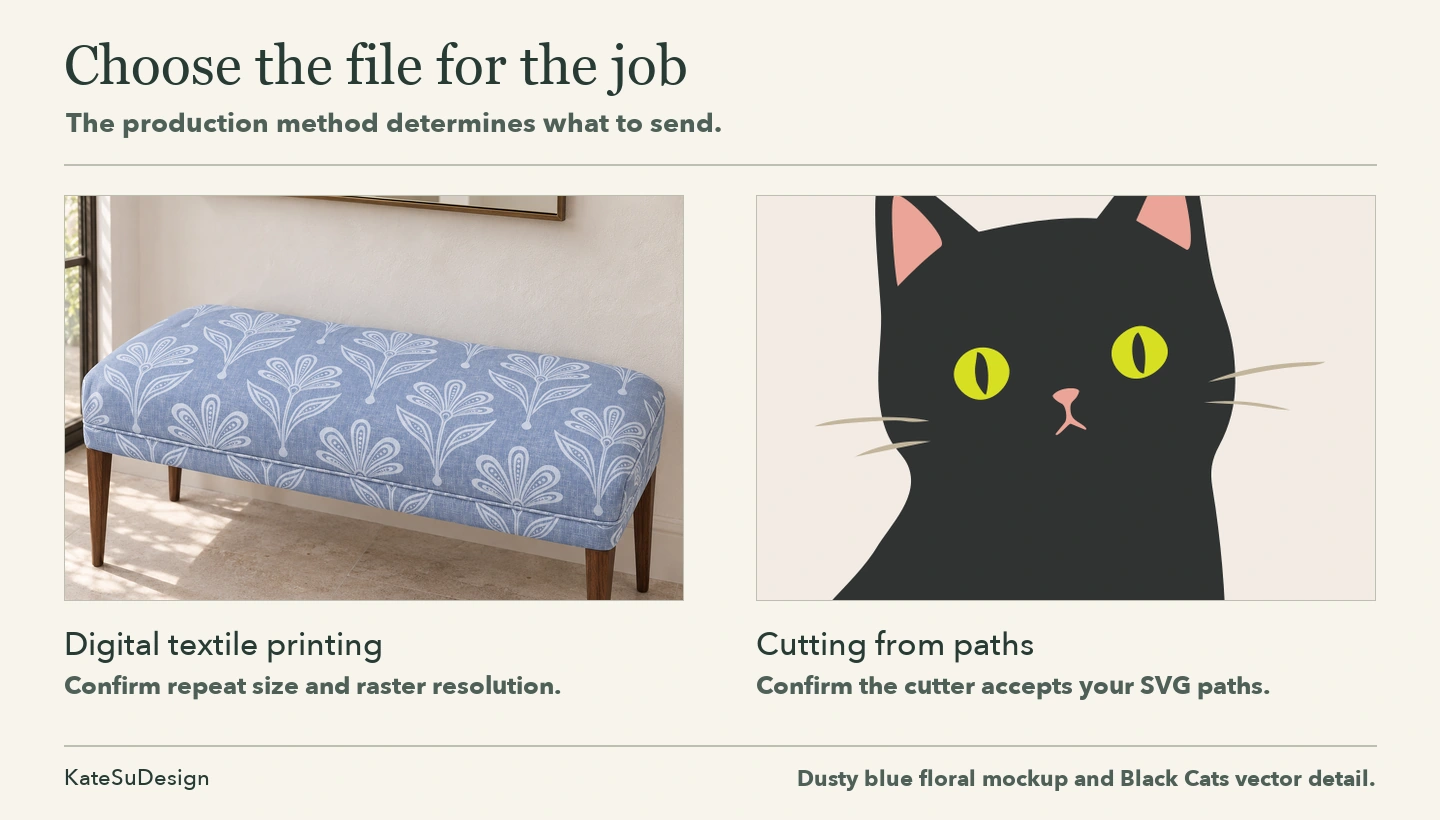
For example, cutting machines such as Cricut often work particularly well with vector paths because they describe exactly where the blade should cut.
Screen printing workflows may use vector artwork for clean spot-color separations. Raster artwork is also widely used, especially for halftones and photographic designs.
Sublimation printing commonly uses raster images, including PNG and JPEG. Vector artwork can also be used, but it is generally rasterized before printing.
For many modern digital fabric printers, wallpaper printers, and art-print services, both raster and vector artwork can produce excellent results when prepared correctly.
And raster artwork has its own advantages. It can preserve subtle watercolor washes, grain, brush marks, and complex textures beautifully.
For more on file formats and printer requirements, see my seamless pattern file guide.
Sometimes vector artwork makes production easier. Sometimes raster artwork gives you exactly the visual richness you’re looking for.
And sometimes the difference doesn’t matter at all to the final printed product.
Choose the artwork that suits your project and your printer’s requirements.
And remember, you can always ask the designer
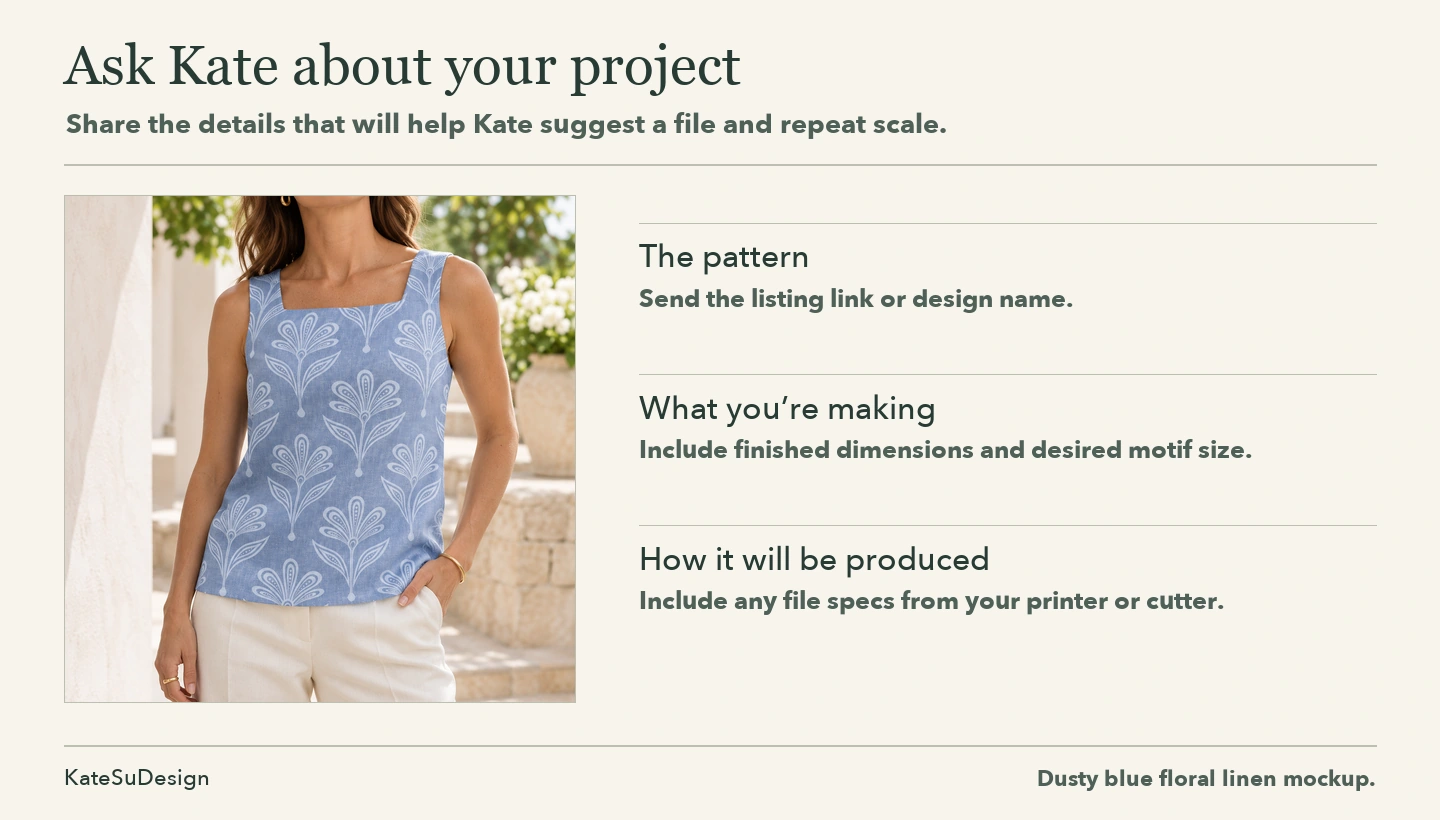
Not sure whether a pattern will work at your desired size? Ask before purchasing!
Tell the designer what you’re making, the finished dimensions, and what your printer requires. Often, we can provide another scale, resolution, or file format.
If you need a different motif size or spacing, see how I customize pattern scale.
You can browse my seamless patterns at KateSuDesign on Etsy, and feel free to message me if you have questions.
You don’t always need a bigger file. Sometimes you just need to use the repeat differently.


