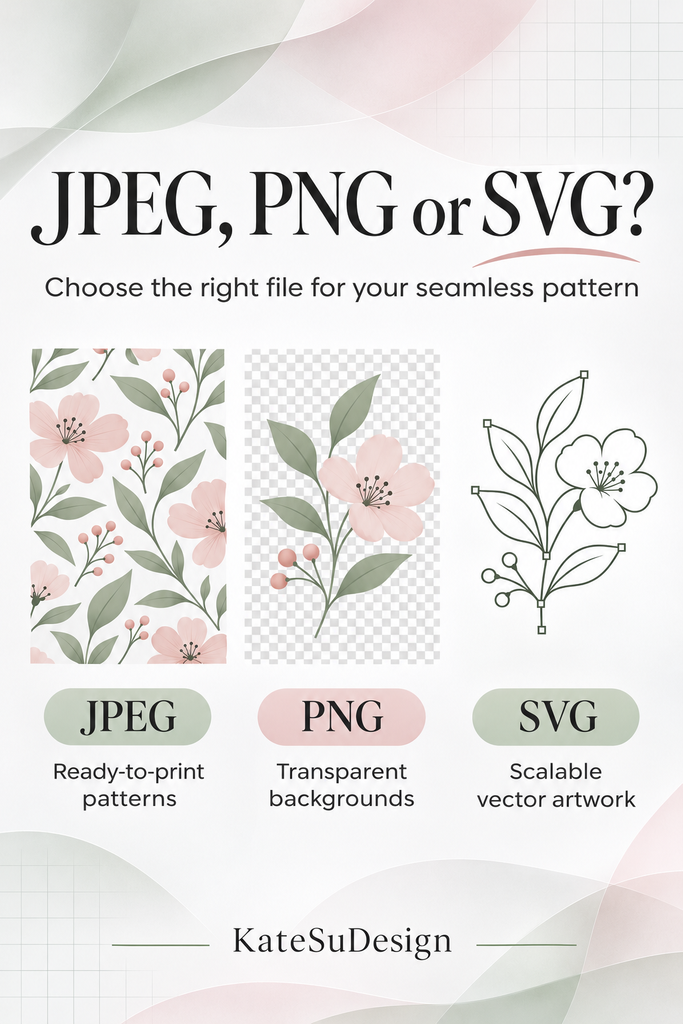
JPEG, PNG, or SVG? Which File Format Do You Need for Seamless Patterns?
You found the perfect seamless pattern for your next collection. Great!
This guide to seamless pattern file formats will help you choose between JPEG, PNG and SVG for your next product—and understand what your printer needs.
JPEG? PNG? SVG? And why is your printer suddenly asking for 300 DPI?
Let’s make it simple.
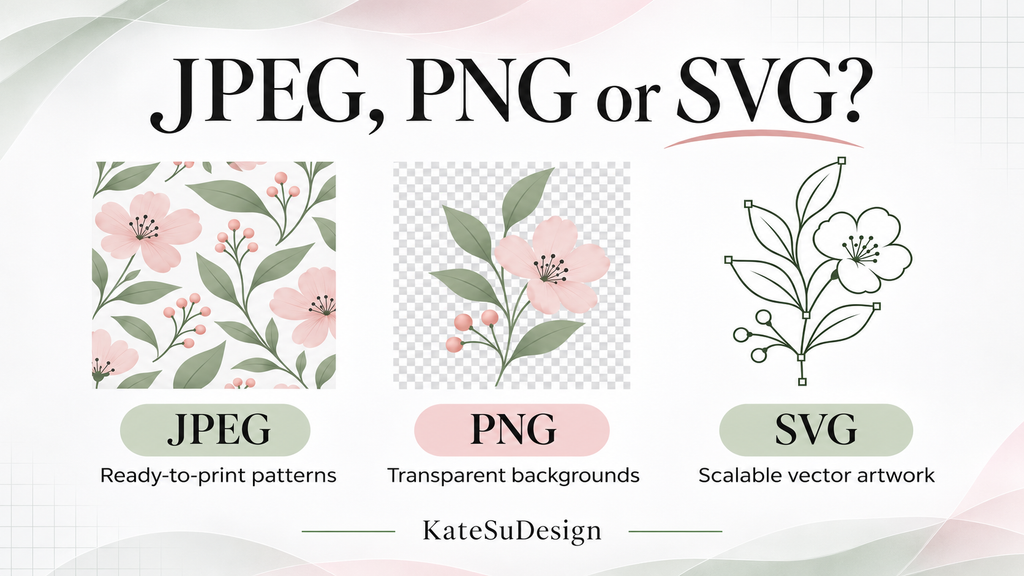
Seamless pattern file formats: raster vs. vector
There are two main types of digital graphics: raster and vector.
Raster images are made of tiny squares called pixels. Photographs, digital paintings, and many seamless patterns are raster images.
JPEG and PNG are both raster file formats.
Raster images have a fixed number of pixels. If you enlarge them too much, they can become blurry or pixelated.
Vector graphics are made of mathematical shapes and paths instead of a fixed grid of pixels.
SVG is a vector file format. Properly created vector artwork can be enlarged or reduced without losing sharpness.
So which one is better?
Neither! It depends on what you’re making.
A high-resolution raster pattern can be perfect for printing fabric, wallpaper, or stationery. Vector artwork is especially useful when you need to resize designs significantly or edit individual shapes and colors.
Now let’s look at the file formats you’re most likely to encounter.
JPEG: Great for ready-to-print patterns
JPEG (or JPG) is a raster format and one of the most common formats for digital seamless patterns.
It’s a good choice for:
- Fabric printing
- Sublimation projects, when supported by your printer
- Digital paper and backgrounds
- Print-on-demand products, when permitted by the license
JPEG files are easy to use and work with most design programs.
One thing to remember: JPEG doesn’t support transparency, and enlarging a small JPEG too much can make it blurry.
PNG: When you need transparency
PNG is another raster format, just like JPEG.
The main difference is that PNG supports transparency and uses lossless compression.
This makes PNG useful when you want to place a design over another color or combine it with other artwork.
But PNG isn’t automatically higher resolution than JPEG. Both depend on the original pixel dimensions.
For a full-coverage seamless pattern with no transparent areas, a high-quality JPEG may work perfectly well.
SVG: When you need more flexibility
SVG is a vector file format.
Unlike raster images, properly created vector artwork can be enlarged without becoming pixelated.
SVG is especially useful for:
- Cutting machines
- Editing individual shapes and colors
- Designs that need significant resizing
- Certain professional production workflows
However, not every pattern needs to be an SVG.
And simply converting a JPEG into an SVG doesn’t magically turn it into editable vector artwork. An SVG file can still contain an embedded raster image.
What about DPI?
DPI (dots per inch) describes printing resolution. For digital images, you’ll also see PPI (pixels per inch).
Many print providers recommend 300 PPI at the final print size, especially for smaller printed products. But requirements vary depending on the material and printing process.
Here’s a simple example:
A 3600 × 3600 pixel file can print at 12 × 12 inches at 300 PPI.
The same file printed at 24 × 24 inches would have an effective resolution of 150 PPI.
Neither is automatically wrong. It depends on the product and the printer’s requirements.
A little tip from a pattern designer
If you’re not sure which file format or pattern scale you need, ask before purchasing.
Tell the designer what you’re making, the approximate product dimensions, and how you plan to print it.
And if you don’t see the file format you need, just ask! Designers can often save the artwork in the format your printer prefers.
Here are some common formats available from popular design programs:
- Adobe Illustrator: AI, PDF, SVG, EPS, PNG, JPEG
- Adobe Photoshop: PSD, PSB, TIFF, PNG, JPEG, PDF
- Procreate: PSD, PDF, PNG, JPEG, TIFF
Not every design can be converted into every format without limitations. For example, saving raster artwork as an SVG won’t automatically make it a true vector design.
But if your printer requests a particular file format, it’s always worth asking!
You can explore my seamless digital patterns at KateSuDesign on Etsy. And if you find a pattern you love but aren’t sure whether it will work for your project, feel free to message me.
The right pattern file is simply the one that works for your product, your printer, and your workflow.
Coming next: Raster vs. Vector — Can You Enlarge a Seamless Pattern Without Losing Quality? We’ll explore upscaling, image enhancement, and when vector artwork is actually necessary.